When it comes to technology, one new feature that’s bringing even more convenience to the driving experience is the GM wireless charger. If you’re not familiar with this system, it does away with wires and cables and lets you recharge your phone without a physical, plugged-in connection. But why does this work? And how? Let’s take a closer look.
How It Works
Electricity and magnetism are closely related, which is why when electricity is generated, it is accompanied by a magnetic field. This property of electromagnetic fields means that when different electromagnetic fields meet, it is possible for electrical energy to conduct across the electromagnetic field without needing a physical plug to allow electricity to travel.
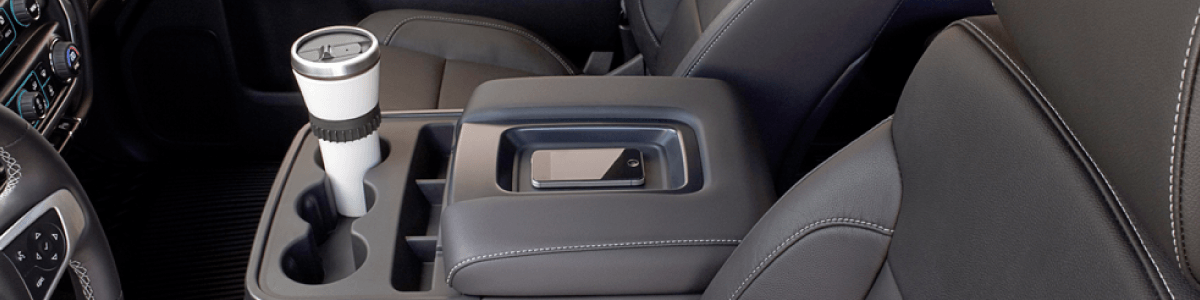
This is how the GM wireless charger works. By creating an electromagnetic field, the charging plate in the vehicle interacts with the electromagnetic field created by a compatible phone. By placing that phone in the correct position on top of a plate, the electromagnetic field interaction allows the battery in the phone to absorb the electricity it needs to recharge itself.

What GM Models Support The Wireless Charger?
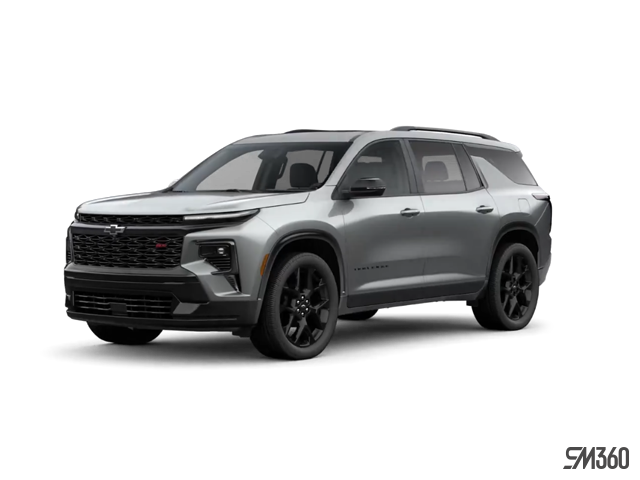
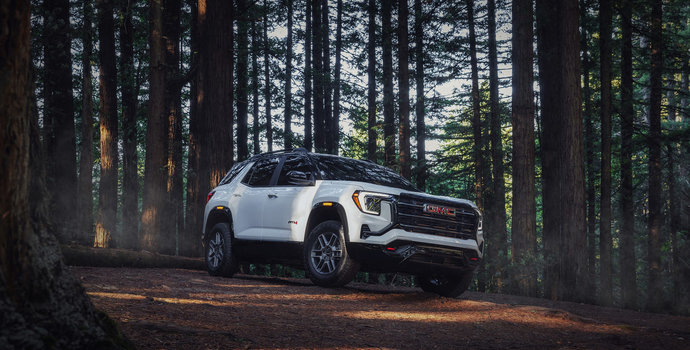
While GM is proud that more drivers can enjoy the convenience of this charging system, this doesn’t mean that every GM vehicle has this feature. If you’re interested in using this feature for yourself, then here are a few GM vehicles that carry the technology:
• 2019 and newer GMC Sierra LD
• 2020 GMC Sierra HD
• 2019 and newer GMC Canyon
• 2019 and newer GMC Yukon
• 2019 and newer GMC Acadia
• 2019 and newer GMC Terrain
• 2018 and newer Cadillac Escalade
• 2019 and newer Cadillac CT6
• 2019 and newer XT4, XT5, and XT6
• 2019 and newer Chevrolet Silverado LD
• 2020 Chevrolet Silverado HD
• 2019 and newer Chevrolet Bolt
• 2019 and newer Chevrolet Suburban
• 2018 and newer Buick Enclave
Which Phones Are Compatible with GMC Wireless Charging?
In the same way that not every GM vehicle is equipped to handle wireless charging, not every phone is capable of either. This can be the case because of the phone’s hardware or because the phone doesn’t fit the charging port. Phones must have either the PMA 1.0, WPC 1.0 or WPC 1.1 charging standard built into the hardware to take advantage of wireless charging. A quick, general list of phones with this feature includes:
• Apple iPhone 8-10 (select models)
• Samsung Galaxy S6-S10 (select models)
• Samsung Note 5 and 7-10
• Nokia Lumia 920-950 (select models)
• LG Nexus 4/5
• LG Spectrum 2
• LG G6-G8
• Motorola Droid Maxx
• Motorola Droid Mini
These are all phones that have wireless charging built-in. However, there are other phones, such as many of the Apple iPhone models below version 8, that can accept third-party accessories that allow the phones to be compatible with the GM wireless charger. You must compare your model with the most recent compatibility list to see if and where your phone falls in this spectrum.
How To Use the Wireless Charger
The wireless charger itself is very simple to use. It is located on the center console armrest. When you are ready to charge your phone, you place it on the charging plate of the console. If you have done this correctly, you will see a red lightning bolt icon appear beside the phone icon on your in-car display. Your phone screen will also give you the usual readout indicating that recharging is occurring, and the estimated time to completion.

If your phone is compatible and you perform this action, but nothing happens, try turning the phone 180 degrees. Your phone may be upside down in reference to where the charging plate is looking to make contact, and this can prevent the charging process from occurring.
Always make sure that the charging plate is clear of all metal objects, such as loose change, and this can interfere with the electromagnetic fields and the charging process. Also, keep in mind that the size of your phone is also a factor. Phones that are too big won’t charge correctly.
You might also be interested in these blogs: Comparing the 2025 Chevrolet Equinox EV with the Gas-Powered Equinox: What You Need to Know | GM Trailer Guide | Applewood Chevrolet Buick GMC in Mississauga | Get To Know Chevrolet’s SUV Line-Up For 2019! | Applewood Chevrolet Buick GMC in Mississauga