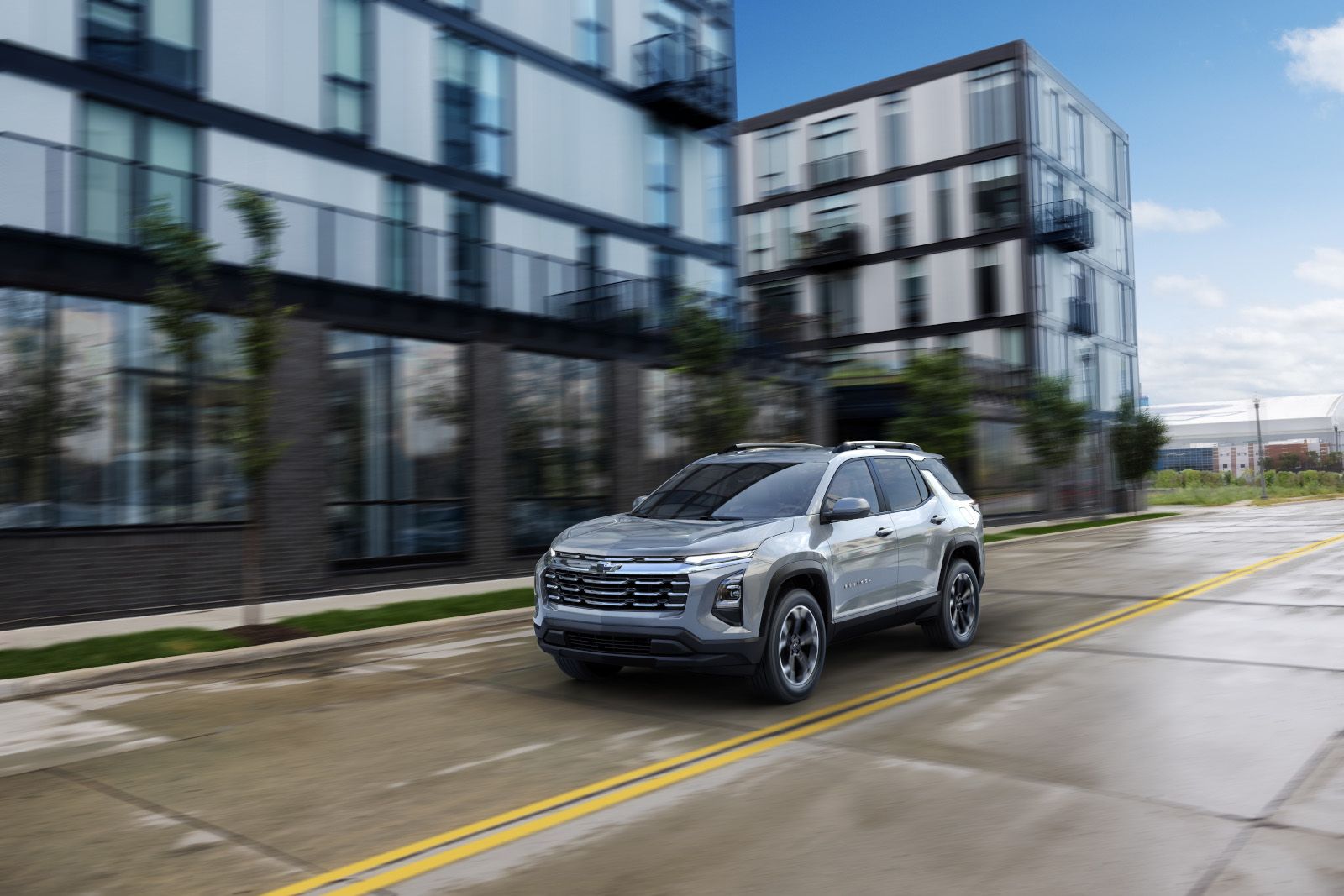
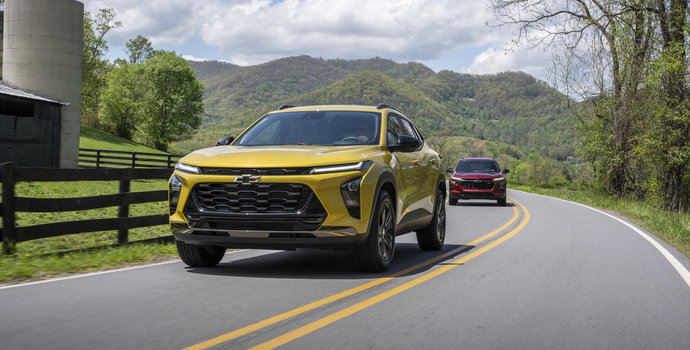
Cool October mornings make a warm cabin worth planning for. If your Chevrolet is equipped for it, the myChevrolet mobile app can start the vehicle from your phone, so the seats and cabin are already comfortable by the time you walk out the door.
This guide covers what remote start does, which Chevrolet models offer it, what you need to use the app, and a few quick checks to make before you pull away.
What Remote Start in the myChevrolet App Does
Chevrolet describes the myChevrolet app as a virtual command centre for your vehicle. When properly equipped, it lets you remote start the vehicle, lock the doors, set parking reminders and view vehicle health information with a single tap.
Remote start is the command most owners reach for first in the fall. It starts the vehicle so you can step into a warmed or cooled cabin. On the Equinox EV, Remote Start via smartphone app is standard on every trim, and the Blazer EV lists the same feature. On the 2027 Bolt and the 2027 Equinox, Remote Start is standard on every trim as well.
What Happens While the Cabin Preconditions
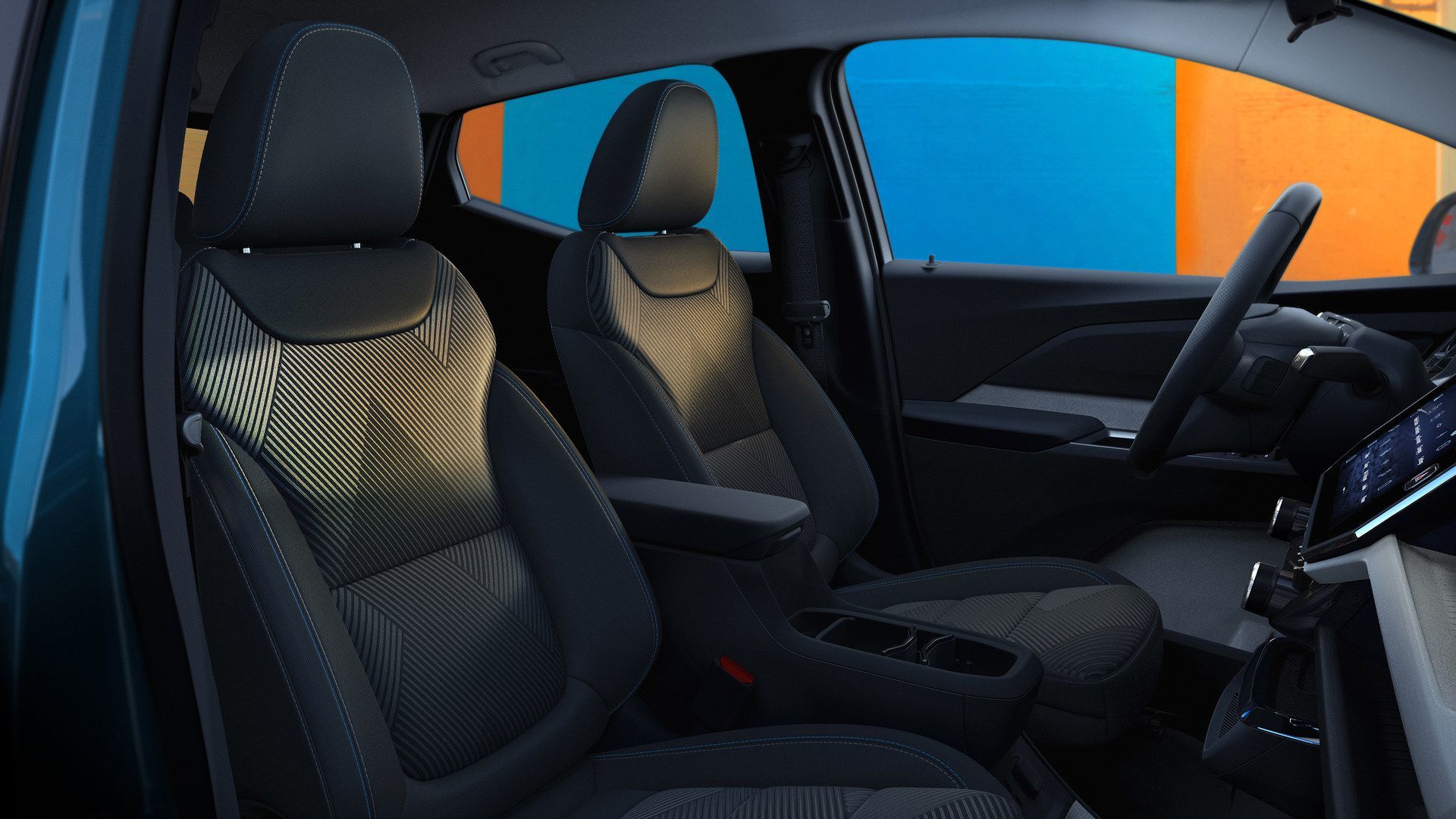
While the vehicle is preconditioning, it locks the doors and turns on the parking lamps. It also switches on the climate control system, along with the heated seats and automatic heated steering wheel on vehicles equipped with them.
The Bolt adds a few personal touches. Remote start brings the cabin to the driver’s previous settings, so it pays to set your preferred temperature before you park. Under certain weather conditions, the Bolt’s heated or ventilated seats and heated steering wheel also come on, as long as you have turned that option on in the vehicle settings menu.
What You Need to Use the App
The app runs on OnStar connected services. Chevrolet notes that a Remote Access Plan is required for the app’s remote features, and that service availability, features and functionality vary by vehicle, device and the plan you are enrolled in.
OnStar Basics is standard on the Equinox, Equinox EV and Bolt. It includes up to 8 years of core OnStar services, and mobile app commands are part of that package.
Before your first remote start, check these items:
- A compatible phone: the app runs on select Apple and Android devices.
- A data connection on your phone, which the app needs to send commands.
- An active service plan that covers remote commands for your vehicle.
- Your in-vehicle comfort settings, so the cabin warms up the way you like it.
Why EV Owners Should Plug In First
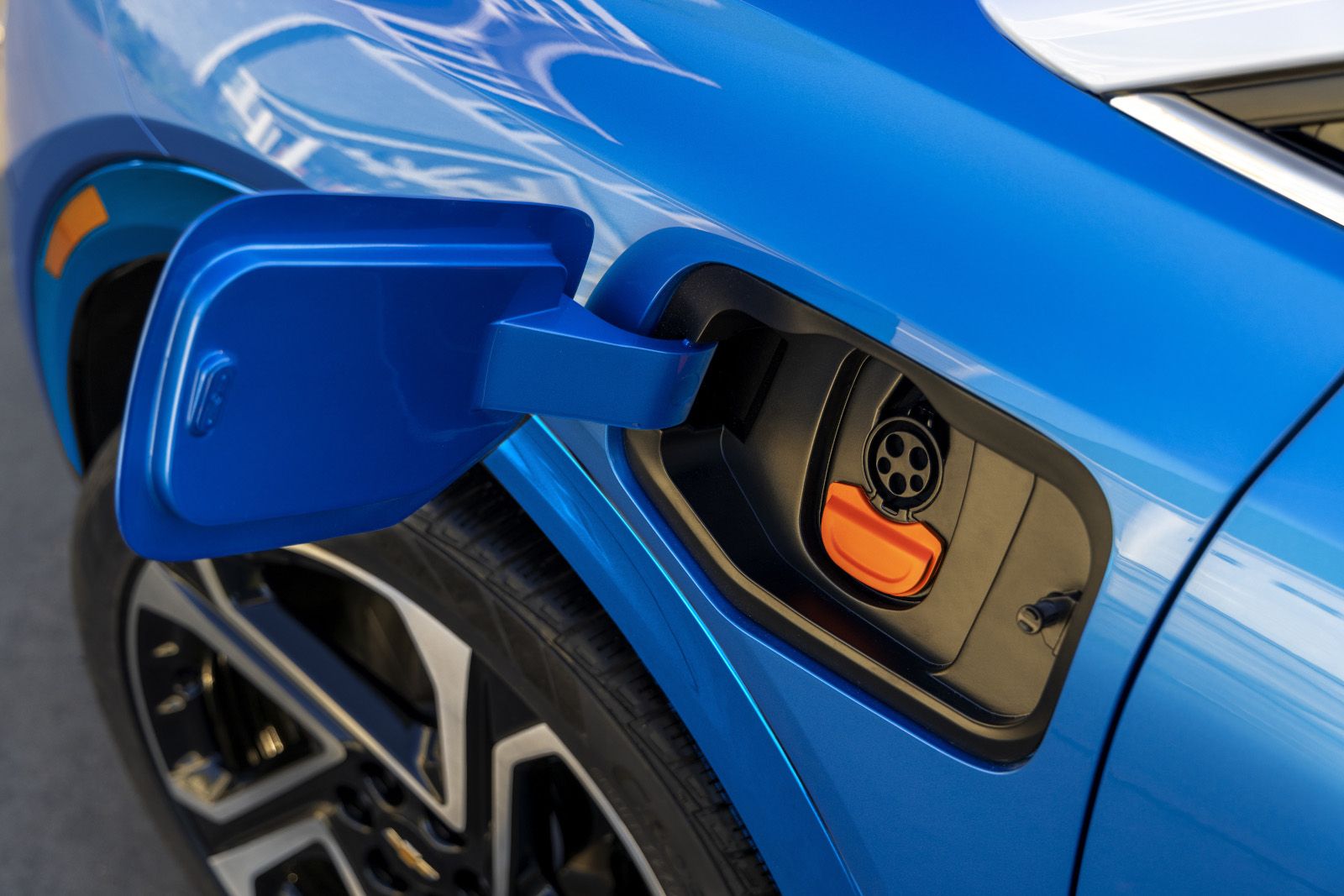
A warm cabin is the obvious benefit. Electric vehicle owners get a second one when the vehicle is plugged in.
In an EV, the heating system draws energy from the same battery that powers the motor. With the vehicle plugged in, remote start can draw available energy from the charger to conserve battery charge. Chevrolet’s cold-weather guidance puts it simply: heating a plugged-in vehicle before driving draws energy from the grid rather than the battery, which helps range efficiency in winter.
The Silverado EV takes this a step further on its charging screen. Its Preconditioning setting heats or cools the cabin using energy from the charger. A charging schedule set for your Home Location can charge to your target level and precondition the cabin by the time you choose.
Heated seats and a heated steering wheel help too. Chevrolet designs them to warm the driver and passengers directly, so they heat up quickly and use power only where people sit.
Quick Checks Before You Drive Away
Remote start handles the warming. A short walk around the vehicle handles the rest.
- Look around the vehicle. The doors lock and the parking lamps turn on during preconditioning, so confirm the area around the vehicle is clear before you set off.
- Clear snow and ice from the glass, lights and sensors. Clean sensors let the driver assistance technology operate as designed, and a clear body helps an EV maintain range efficiency.
- Check your tire pressure in the app. Properly inflated tires help range efficiency, and the myChevrolet app lets you monitor tire pressure from your phone.
Your owner’s manual explains the limits that apply to your specific model.
Who Gets the Most Out of Remote Start
EV owners who park next to a home charger benefit most. They can precondition on grid power and keep more of the battery’s charge for the drive itself.
Commuters who leave at the same time every day and families heading out for school drop-off also gain from it. A few taps from the kitchen, and the seats and steering wheel are warm when everyone climbs in.
On EVs, the app goes further. It can help you plan longer trips and locate a charging station, and on equipped vehicles you can monitor charging status remotely.
Key Takeaways
|
Topic
|
What to Know
|
|
What it does
|
Starts the vehicle, locks the doors, turns on the parking lamps and runs the climate control
|
|
Comfort features
|
Heated seats and the heated steering wheel activate on equipped vehicles
|
|
What you need
|
A compatible Apple or Android phone, a data connection and a Remote Access Plan
|
|
EV tip
|
Plug in first so preconditioning uses energy from the charger
|
|
Before driving
|
Check the area around the vehicle, clear the glass and sensors, and check tire pressure
|
Get Comfortable With Your Chevrolet’s App at Applewood
Remote start in the myChevrolet app preconditions the cabin, locks the doors and, on a plugged-in EV, uses energy from the charger to conserve battery charge. What it can do depends on your vehicle, your phone and your plan.
Have questions about getting set up? Stop by Applewood Chevrolet Buick GMC in Mississauga, and let our team walk you through how remote start works on the Chevrolet models you’re considering.